Inputs, monitoring and routing before converter numbers
Best Audio Interfaces for Home Recording
Choose the box that can connect the session you actually plan to record.
We checked current manufacturer specifications, manuals, support records and live specialist-store listings. We did not record with or measure these interfaces. Sound, driver behavior, latency and headphone suitability still need checking with your computer, microphones and headphones.
Researched for musicians building a one- or two-person desktop setup and people buying one for them.
For two microphones and the least intimidating gain setup, start with the Scarlett 2i2 4th Gen. Choose MOTU M2 when front-panel meters and five-pin MIDI matter, Audient iD4 MKII for one microphone plus instrument, or SSL 2 MKII when two people need to hear the same cue mix.
- Assisted two-source setup: Focusrite Scarlett 2i2 4th Gen
- Meters and MIDI: MOTU M2
- Solo vocal/instrument desk: Audient iD4 MKII
- Two listeners, one mix: SSL 2 MKII
Avoid every option here if you need more than two microphone preamps, separate performer cue mixes, ADAT expansion or several pairs of speakers.
Verify before buying: write down every source used at once, every connector, phantom-power need, headphone mix and supported computer port.
Build your input/output worksheet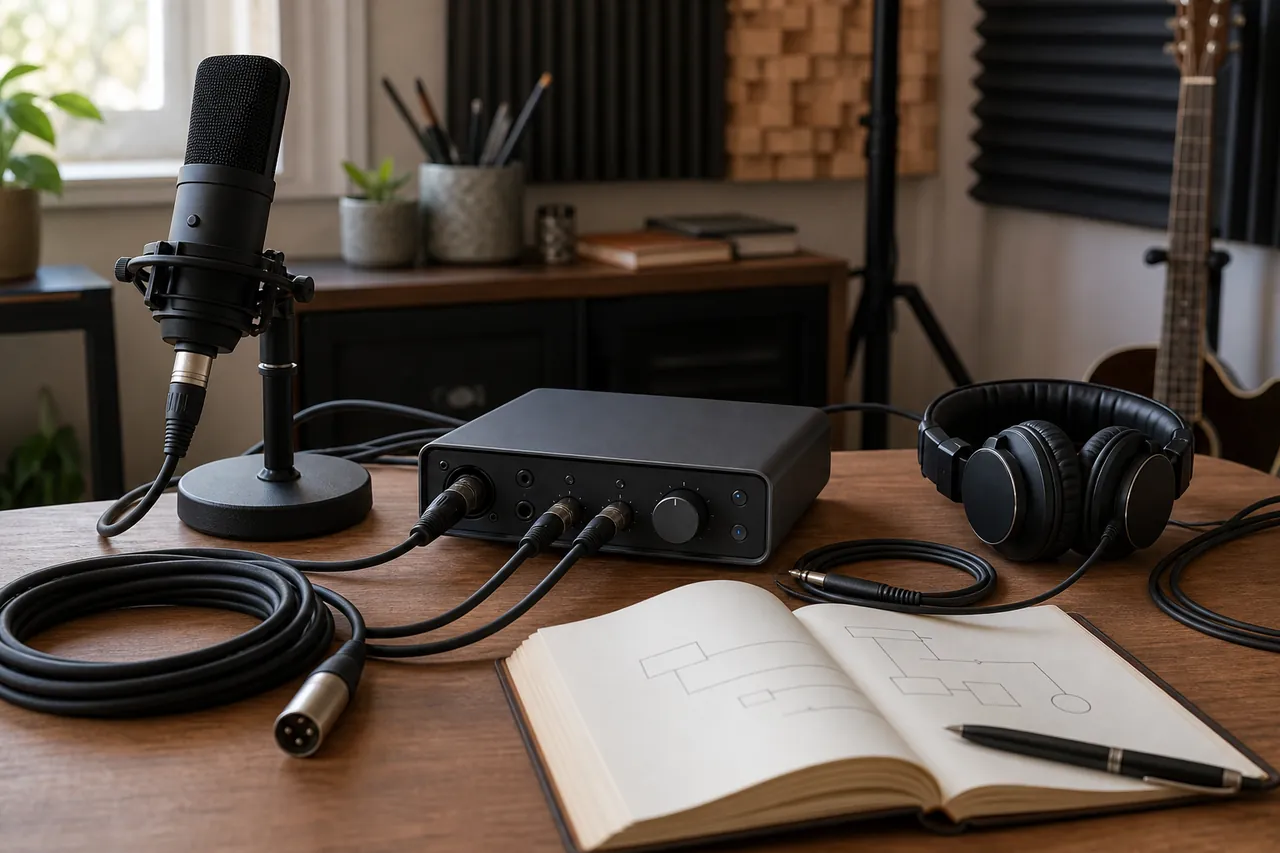
Read the sockets as a system
Interface language that changes what you can record
Mic preamp
A microphone preamplifier raises a microphone's low-level signal before conversion.
The number of preamps limits how many microphones can be recorded at once without external hardware.
Count the microphones in the largest real session, including stereo pairs, then match that count to physical preamps.
“Two inputs” does not always mean two microphone preamps.
A singer and acoustic-guitar stereo pair need three microphone preamps, so none of this four-product shortlist is enough.
Combo input
A combo socket accepts an XLR microphone plug or a quarter-inch line/instrument plug in the same physical channel.
It saves panel space but normally cannot record both plugs as separate channels simultaneously.
Draw one box per channel and place only one source in each box.
Two holes in a combo connector are not two independent inputs.
Line and instrument level
Line mode expects equipment such as a synthesizer or external preamp; instrument mode is designed for a guitar or bass pickup.
The wrong mode can produce poor level matching or overload.
Match each source to the input mode named in its manual, then test gain without assuming louder is better.
A quarter-inch plug does not tell you whether the source is line or instrument level.
Phantom power
It sends DC power through an XLR microphone cable for microphones and devices designed to receive it.
Some condenser microphones require it, while connection and switching rules matter for other equipment.
Check the microphone manual, use a proper XLR cable, lower monitoring and follow the interface's connection sequence.
Phantom power is not extra gain and should not be switched on by default for every source.
Direct monitoring
It routes an input toward the headphones or monitors inside the interface instead of waiting for a round trip through recording software.
It can make a simple recording cue easier to set up.
Confirm whether the control offers mono/stereo input placement and how it blends with computer playback.
The label does not prove measured latency or guarantee that software effects will be heard in the direct path.
Loopback
Loopback creates virtual input channels from computer playback so software can record or stream that signal.
It matters for lessons, demonstrations and streaming, but routing differs by driver and app.
Check the current manual for your operating system and rehearse a private test before a live session.
Loopback does not add physical microphone sockets.
Independent headphone mix
It lets one listener hear a different balance or level from another listener.
A performer may need more click or voice while the person recording needs a different monitor balance.
Look for separate output channels and separate level controls, not merely two headphone sockets.
The iD4 MKII and SSL 2 MKII each provide two plug sizes/sockets, but not two independent cue mixes.
MIDI I/O
Five-pin MIDI input and output carry note, control and clock messages for compatible instruments; they carry no audio.
They can connect an older keyboard or drum machine that lacks USB MIDI.
List whether the hardware needs MIDI in, MIDI out or both, then buy the correct cables separately.
MIDI connections do not record the instrument's sound; audio cables are still needed.
How these four earned different places
We fixed the recording jobs first, then checked exact current models against manufacturer documentation. Sweetwater anchored US ordering and Thomann Ireland anchored Europe. Every recommendation was orderable at both stores in this run. Thomann's category rank, purchase-linked rating count and exact-item share show active retail paths; they are not listening tests, sales totals or proof of quality.
- Scarlett 2i2 4th Gen: EUR169, in stock/Add, 295 ratings, rank #1; 53% of compared shoppers bought this exact item.
- MOTU M2: EUR239, in stock/Add, 489 ratings, rank #11.
- Audient iD4 MKII: EUR149, in stock/Add, 267 ratings, rank #20.
- SSL 2 MKII: EUR219, in stock/Add, 80 ratings, rank #25; 34% bought this exact item.
Store snapshot checked July 18, 2026 (Europe/Athens). Prices and ranks can move. Product dimensions later in the guide use manufacturer/support records where retailer rounding differs.
Older Scarlett generations were removed. Interfaces that duplicated a lane, lacked a comparably clear current support trail or belonged to a larger rack/DSP decision were not added to make the list longer. Published sample rate was treated as compatibility information, not a sound ranking.
Start with the last column
Compare the recording job, not the badge
All four are compact desktop USB interfaces. The differences below are about what can be connected and monitored, not claims about which one sounds better.
| Interface | Analogue recording path | Monitoring | Extra routing | Buyer meaning |
|---|---|---|---|---|
| Focusrite Scarlett 2i2 4th Gen | 2 mic preamps; 2 line/instrument channels | 1 headphone socket; direct monitoring through controls/software | Loopback; no MIDI | Most guided setup here for two sources, but no legacy-keyboard connection. |
| MOTU M2 | 2 combo mic/line/instrument channels | 1 headphone socket; color input/output meters | Loopback; 5-pin MIDI in/out | Best connection match when metering and old or non-USB MIDI gear both matter. |
| Audient iD4 MKII | 1 mic/line channel plus 1 instrument input | Parallel 1/4-inch and 3.5 mm headphone sockets; one mix | Loopback; no MIDI | Purposeful solo overdub desk, not a two-microphone interface. |
| SSL 2 MKII | 2 mic/line/instrument channels | 2 parallel headphone sockets with the same mix and level | Loopback; no MIDI | Two people can plug in without a Y adapter, but they cannot set separate cues. |
Choose the interface by the session it simplifies
Focusrite Scarlett 2i2 4th Gen: two sources with gain assistance
Best fit: a singer-instrumentalist or two-microphone beginner who values a guided level-setting workflow.
Two microphone preamps and two front line/instrument sockets cover common two-channel sessions. Auto Gain can set an initial level and Clip Safe can react to overload; those are workflow features, not permission to skip a rehearsal.
Strongest advantage: the clearest hardware-assisted setup path in this group.
Tradeoff: there is no five-pin MIDI, and the headphone output does not create an independent mix from the monitor feed.
Skip it if: a hardware synthesizer needs five-pin MIDI through the interface or two people need different headphone balances.
Then consider: MOTU M2 for MIDI, or move above this shortlist for independent cue routing.
Current manufacturer specs and support records agree, and both retail anchors showed stock. We did not assess preamp sound or the behavior of Auto Gain with your performer.
MOTU M2: front-panel meters and five-pin MIDI
Best fit: a small studio with a MIDI keyboard, drum machine or synth and a need to see input and output level detail on the interface.
The M2 combines two combo inputs, an LCD meter display, loopback and traditional MIDI input/output. That combination solves a connection job the other three do not.
Strongest advantage: useful audio metering and legacy-hardware MIDI in one compact box.
Tradeoff: one headphone output and two line outputs leave little room for alternate monitor or cue routing.
Skip it if: a second listener needs a separate level control or you expect to add more analogue outputs soon.
Then consider: SSL 2 MKII for two same-mix headphone sockets, or a larger interface for truly independent cues.
The manufacturer publishes detailed I/O and manuals; both anchors showed substantial current buyer activity. Driver behavior and meter usability remain computer- and user-dependent checks.
Audient iD4 MKII: one microphone plus instrument
Best fit: a solo musician who records one microphone and a guitar or bass, usually as separate takes or as a simple two-source session.
One combo mic/line channel and one dedicated front instrument input make the channel count unusually easy to understand. The metal 13.3 by 12 cm body is the smallest footprint here.
Strongest advantage: a compact, clearly bounded signal path with both common headphone plug sizes.
Tradeoff: only one source can use a microphone preamp; the headphone sockets share one mix and level.
Skip it if: stereo microphone work, two vocal microphones or separate listener balances are part of the plan.
Then consider: Scarlett 2i2 for two preamps or a larger Audient model when expansion is already foreseeable.
Manufacturer and support pages establish the current MKII and compatibility, with size/weight cross-checked at both retailers. Sound and mobile-power behavior were not tested.
SSL 2 MKII: two listeners sharing one cue
Best fit: a player and collaborator who need to hear the same monitor mix through two different headphone sockets.
The current manual explicitly shows two parallel headphone outputs, two input channels, per-channel high-pass filters and a monitor-mix control. It earns this lane through access, not through an unsupported sound claim.
Strongest advantage: two headphones can connect directly without a plug adapter or splitter.
Tradeoff: both sockets receive the same mix and level; the “4K” switch is a creative coloration option, not evidence that a recording is better.
Skip it if: performer and engineer need different balances, MIDI is required, or the larger 23.4 by 15.9 cm footprint is awkward.
Then consider: MOTU M2 for MIDI, or SSL 2+ MKII/a larger interface after verifying independent-output routing.
SSL's current manual is unusually explicit about parallel headphone behavior. Retail stock is current; we did not listen to the 4K mode or compare converters.
Write the session before buying the box
Build a one-page input/output worksheet
Use one row for every item active at the same time. Do not count a source that will only be overdubbed later, and do not merge two microphones into one row.
- Circle the largest simultaneous source count.
- Count how many rows specifically need microphone preamps.
- Count distinct headphone mixes, not headphone plugs.
- Add MIDI input/output only when external hardware needs it.
- Reject any interface that fails one circled requirement before comparing bundled software or converter figures.
Worked example: voice microphone plus a stereo keyboard needs one mic preamp and two line channels at the same time: three analogue channels. None of the four interfaces here can record that exact session without changing the plan.
Specifications that do not settle the purchase
Published dynamic range, gain and sample rate can identify compatibility limits, but they do not tell us how an interface will behave with your computer, whether a headphone pairing has enough usable range, or whether you prefer one monitoring workflow. We found no basis for calling one preamp the “best sounding.” Bring the intended microphone and headphones to a shop when possible, or keep the return path clear.
Software bundles also move. Treat included plug-ins as a checkout-day bonus after the hardware passes the worksheet. The checked records do not identify where these exact models are made; company locations in the details table are context, not a substitute.
Open the return window with a recording, not a puzzle
Rehearse a five-minute first session on paper
Lay out the unopened-chain plan from left to right: source -> correct cable -> interface input and mode -> USB port/adapter -> supported driver or class-compliant path -> recording track -> headphone or monitor output. Write the connector at both ends of every cable. For a condenser microphone, add the manual-approved phantom-power sequence. For a keyboard, separate its audio cables from its MIDI cable.
Then write what each listener must hear. If two people need different balances, a pair of headphone sockets is not enough. This rehearsal prevents the common first-night mistake of discovering that a “two input” interface has the wrong kind of channels or that the second listener only receives a duplicate cue.
Physical, company and support details
Use this after a signal path survives the worksheet. A warranty duration is not a quality score, and brand headquarters do not identify the factory.
| Product | Size and item weight | Construction | Manufacturing origin | Brand context | Written protection |
|---|---|---|---|---|---|
| Focusrite Scarlett 2i2 4th Gen | Manufacturer: 180 x 117 x 47.5 mm; 0.595 kg | Desktop metal enclosure; rear XLR microphone sockets and front quarter-inch line/instrument sockets | Not disclosed by the manufacturer; inspect the unit label. | Focusrite, High Wycombe, England; established 1985; recording interfaces, preamps and studio hardware. | Three-year manufacturer warranty stated for Scarlett; confirm registration, region and exclusions. |
| MOTU M2 | Manufacturer: 190.5 x 108 x 45 mm; 0.61 kg | Metal desktop chassis; two combo inputs; LCD input/output meters | Not disclosed by the manufacturer; inspect the unit label. | MOTU, Cambridge, Massachusetts; established 1981; computer audio/MIDI interfaces and music software. | Two-year manufacturer warranty stated in the M2/M4 product document; confirm regional claim route. |
| Audient iD4 MKII | Manufacturer overview plus retailer detail: 133 x 120 x 40.7 mm; 0.74 kg | All-metal desktop housing; one combo mic/line input and one front JFET instrument input | Not disclosed by the manufacturer; inspect the unit label. | Audient, Herriard, Hampshire; founded 1997; recording consoles, preamps and interfaces. | Exact current regional maker duration was not verified. Obtain seller terms in writing; Sweetwater advertises two-year coverage for qualifying purchases. |
| SSL 2 MKII | Official support: 234 x 159 x 70 mm including knob height; 0.86 kg | Desktop enclosure; two mic/line/instrument channels; two parallel front headphone sockets | Not disclosed by the manufacturer; inspect the unit label. | Solid State Logic, Begbroke, Oxfordshire; founded 1969; recording consoles and production tools. | Exact current regional hardware duration was not verified. Confirm seller terms; Sweetwater advertises two-year coverage for qualifying purchases. |
Take this connection script to the seller
- “These are the sources I must record at the same time. Show me which physical channel each one uses.”
- “Do these two headphone sockets provide separate mixes and separate level controls?”
- “Which current driver or class-compliant path supports my exact operating system and recording app?”
- “Which USB cable and computer port supply stable power, and is an adapter included?”
- “Please show the written warranty owner, duration, exclusions and claim route for my country.”
Sources checked
Manufacturer pages and manuals support connection, physical and routing facts. Retail links show current ordering and observable retail activity, not product performance. Checked July 18, 2026 (Europe/Athens).
- Focusrite Scarlett 2i2 specifications and warranty
- Scarlett 2i2 support specifications
- Sweetwater Scarlett 2i2 listing
- Thomann Scarlett 2i2 listing
- MOTU M2 specifications
- MOTU M-Series user guide
- Sweetwater MOTU M2 listing
- Thomann MOTU M2 listing
- Audient iD4 MKII overview
- Audient current compatibility record
- Sweetwater Audient iD4 MKII listing
- Thomann Audient iD4 MKII listing
- SSL 2 MKII product page
- SSL 2 MKII user guide
- SSL official dimensions and weight
- Thomann SSL 2 MKII listing
Found something that needs correcting? Contact the Consordini editorial team.